
The Fake Invoice That Looks Real: How Charlotte Businesses Can Catch Payment Fraud
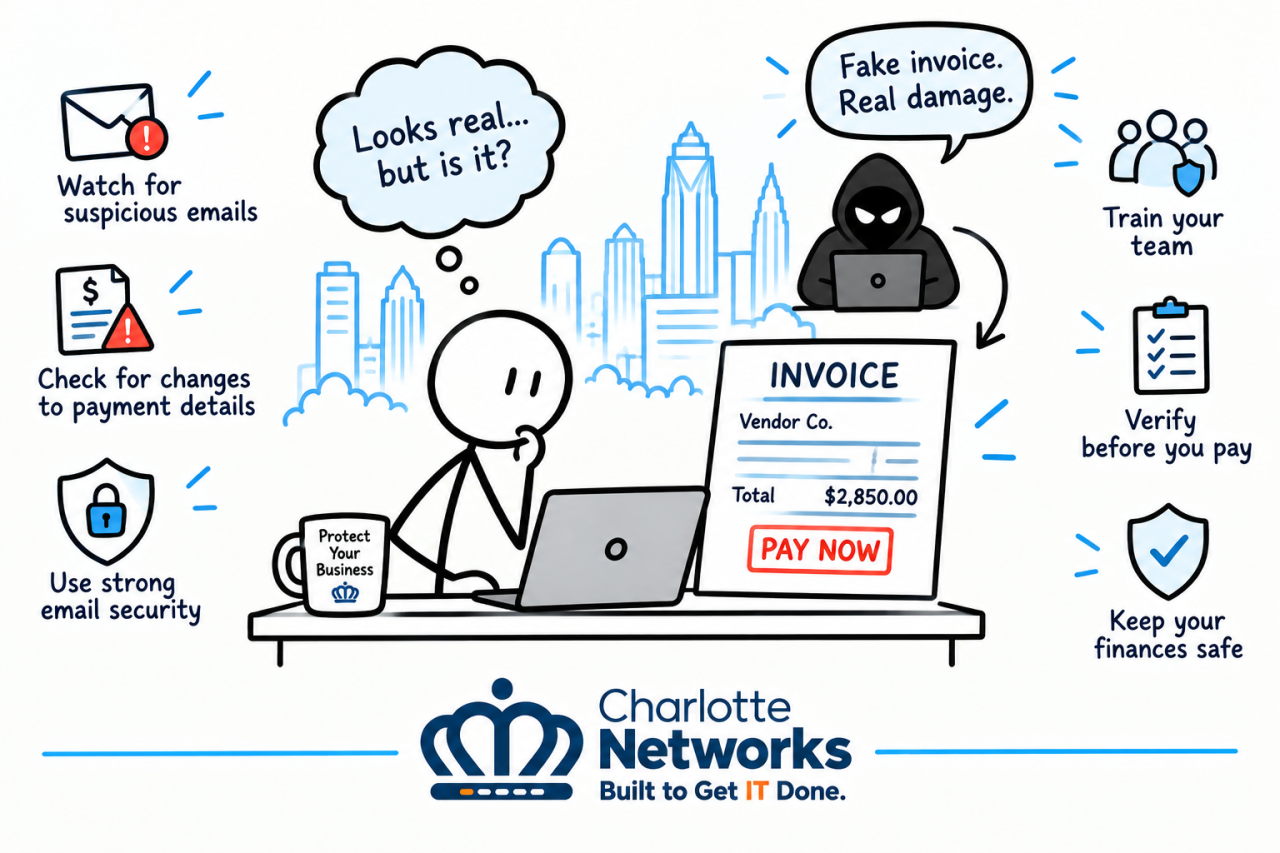
Imagine your accounting team receives an invoice from a familiar vendor. The company name looks right, the amount seems reasonable, and the payment deadline is approaching. Everything appears normal, so the invoice gets approved and paid.
There’s just one problem: the invoice is fake.
Invoice fraud is a growing concern for businesses of all sizes. Cybercriminals impersonate legitimate vendors, alter payment instructions, and exploit busy employees to redirect money into fraudulent accounts. For small and midsize businesses in Charlotte, NC, a single fraudulent payment can create financial losses, disrupt operations, and damage vendor relationships.
The good news is that businesses can reduce their risk with employee training, clear payment procedures, and reliable IT security. Here’s how your team can recognize suspicious invoices before money leaves your account.
What Is Invoice Payment Fraud?
Invoice fraud occurs when criminals trick a business into paying a fraudulent invoice or sending money to an unauthorized account. These scams often rely on impersonation, compromised email accounts, or convincing messages that create a sense of urgency.
Common invoice fraud tactics include:
Fake vendor invoices: Criminals create invoices for products or services your business never ordered.
Business email compromise (BEC): Attackers impersonate a vendor, executive, or employee to request a payment.
Vendor payment redirection: A legitimate vendor’s email account is compromised, and the attacker asks you to send future payments to a different bank account.
Altered invoices: Criminals modify a real invoice to replace the vendor’s payment details.
Duplicate payment scams: Fraudsters submit copies of legitimate invoices in an attempt to get paid twice.
These schemes can be difficult to identify because attackers often use real vendor names, copied email signatures, and accurate invoice details.
1. Watch for Unexpected Changes to Payment Instructions
One of the biggest warning signs of invoice fraud is a sudden change in payment information.
You might receive an email claiming a vendor has switched banks, updated its account number, or changed where payments should be sent. The message may appear to come from a familiar contact and include a legitimate-looking invoice.
Before changing payment details, verify the request using a trusted phone number already on file—not a number included in the suspicious email. Confirm the change directly with an authorized contact at the vendor.
Important: Treat every request to change bank account details as a potential fraud risk until independently verified, even when the email appears legitimate.
2. Look Closely at the Sender’s Email Address
Cybercriminals frequently use email addresses that closely resemble legitimate business accounts. A small spelling difference, extra character, or unfamiliar domain can be easy to overlook.
For example, an attacker might use a domain that differs from a vendor’s real domain by a single letter. In other cases, criminals compromise an actual email account, making the message appear completely authentic.
Train employees to look for:
Slight misspellings in email addresses or domain names
Unexpected requests for urgent payments
Unusual language or changes in a contact’s normal communication style
Requests to bypass standard approval procedures
New instructions to keep a payment confidential
Keep in mind that a familiar sender address does not guarantee a message is safe. A compromised account can send convincing fraudulent requests.
3. Establish a Verification Process for Large or Unusual Payments
Technology can help identify suspicious activity, but strong internal procedures are equally important.
Every business should have a documented process for approving invoices and verifying unusual payment requests. This process should be followed even when a request appears to come from a senior executive or long-standing vendor.
Consider implementing these safeguards:
Require independent verification: Confirm new vendors and payment changes through a trusted communication channel.
Use dual approval: Require a second authorized employee to review large or unusual payments.
Separate responsibilities: When practical, avoid having one employee create a vendor, change payment details, and approve the payment.
Match invoices to purchase orders: Confirm that the goods or services were ordered and received.
Maintain approved vendor records: Keep verified contact information and payment details in a secure, controlled system.
These steps make it harder for a single deceptive email to result in a costly payment.
4. Use Email Security to Reduce Business Email Compromise
Many invoice scams begin with phishing emails or compromised business accounts. Strong email security can help reduce the likelihood that malicious messages reach employees or that attackers gain access to company accounts.
Businesses should consider security measures such as:
Advanced email filtering to identify phishing attempts, malicious links, and suspicious attachments
Multi-factor authentication (MFA) for email and other business accounts
Anti-spoofing protections such as SPF, DKIM, and DMARC, configured appropriately for the organization’s domains
Monitoring for unusual sign-in activity and suspicious mailbox rules
Regular updates and security reviews for business email systems
For companies using Microsoft 365, properly configured security features can help protect employee accounts and reduce exposure to phishing and impersonation attempts.
No single tool can prevent every scam. The strongest approach combines technical controls with verification procedures and employee awareness.
5. Train Employees to Recognize Suspicious Invoices
Even well-secured businesses can be targeted by convincing fraud attempts. Employees who handle accounts payable, purchasing, payroll, and vendor communications should know how to identify and report suspicious requests.
Security awareness training helps employees recognize common tactics, including urgent payment demands, impersonation attempts, and unexpected changes to financial information. Phishing simulations can also help businesses evaluate how employees respond to realistic suspicious messages and identify areas where additional training may be needed.
Make sure employees know what to do when something seems wrong. They should be encouraged to pause, verify the request, and report concerns rather than feeling pressured to complete a payment quickly.
A short delay to confirm an unusual request is far less costly than sending money to a criminal.
6. Know What to Do if Your Business Pays a Fake Invoice
If you discover that your business has sent money to a fraudulent account, act immediately. Time can be critical when attempting to stop or recover a payment.
Take these steps:
Contact your bank immediately. Ask whether the transfer can be stopped, recalled, or investigated. Recovery is not guaranteed, but prompt action may help.
Notify the real vendor. Use verified contact information to explain the incident and confirm whether the vendor’s account or communications may have been compromised.
Secure affected accounts. If email compromise is suspected, involve your IT provider to investigate sign-ins, reset credentials as appropriate, revoke suspicious sessions, and review mailbox rules.
Preserve evidence. Save the original emails, invoices, payment records, and relevant communications.
Report the incident. In the United States, businesses can report suspected cyber-enabled fraud to the FBI’s Internet Crime Complaint Center (IC3) at ic3.gov.
Avoid replying to suspicious messages or using contact details contained in the fraudulent invoice. Work through independently verified channels.
Protect Your Charlotte Business from Payment Fraud
Invoice fraud is not just an accounting problem. It can involve email security, compromised user accounts, employee awareness, and gaps in payment approval procedures.
For Charlotte-area businesses, a proactive approach can help reduce the risk of fraudulent payments and strengthen overall cybersecurity. Reviewing email security, implementing multi-factor authentication, training employees, and establishing clear payment verification procedures can make a meaningful difference.
Charlotte Networks helps businesses strengthen their IT security with practical solutions designed to reduce risk and support daily operations. From Microsoft 365 security and proactive IT management to employee security awareness training, the right protections can help your team spot suspicious activity before it becomes a costly incident.
Don’t wait until a fake invoice reaches your accounting department. Contact Charlotte Networks to discuss how your business can improve its cybersecurity and reduce the risk of payment fraud.
Protect your business, your finances, and your vendor relationships with a stronger approach to IT security.
Need Help With Your IT?
Charlotte Networks helps growing businesses replace recurring technology problems with reliable support, stronger security, and clear ownership.
Contact Charlotte Networks